









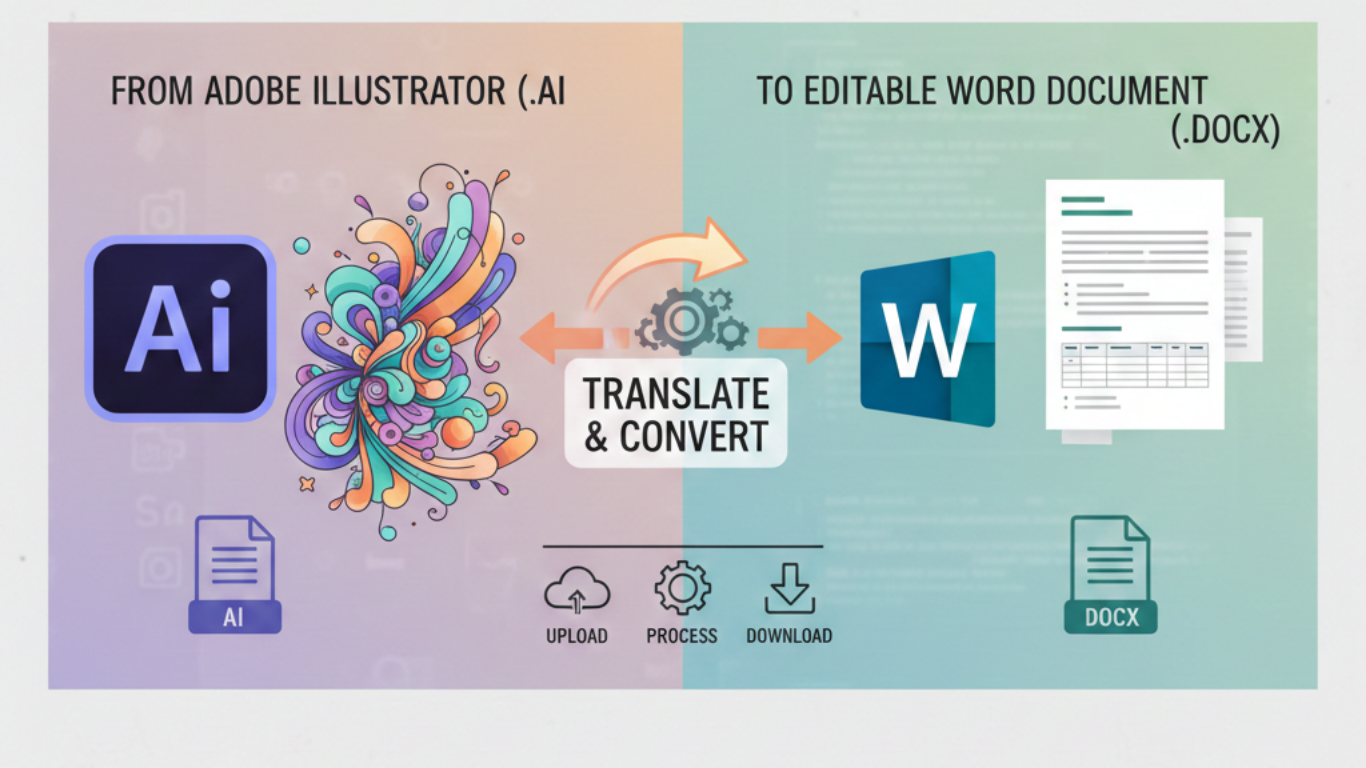


The requirement to convert Illustrator file to editable Word document has been important as many users face struggles while designing files in Word documents.
AI files are a better option for high-quality graphics, but when someone wants to edit text, change format, or access the content inside Word, AI format becomes challenging. AI files do not give access to everyone; if someone has it, they cannot share or edit large files easily.
If you ever faced this difficulty of how to make an Illustrator file editable in Word, then you are at the right place. This blog provides a step-by-step guide to easily convert your Illustrator file to Word document using best methods. We’ll explain everything about this conversion using the best tips, manual methods, and professional methods.
Why Do Users Want to Convert Illustrator File to Word Document
- Because users want an editable format for future editing.
- The Word are easily accessible and easier for professional use.
- Users may want to reuse AI files, icons, or logos in document form.
- The Word format is easy to share and edit.
Some Tips Before you Start
- Firstly, check layers of your AI files, organising them makes your work easier.
- Outline the fonts because unavailable fonts can harm file during the conversion process.
- Remove all the unnecessary elements of the artwork, to reduce errors.
- Always keep one original Illustrator file with you to have a backup option.
Convert Illustrator File to Editable Word Document Manually
There’s no such method to directly import an AI file into Word. However, we have provided the manual method with some steps below:
Step1 Export AI file to your system.
- First of all, open the AI file in Adobe Illustrator.
- Then, go to File, click on Export, and Export As.
- Now, select the format as per your needs.
- After that, save the exported file to your system.
Step2: Export saved file in Word
- Now, insert the file into Word using the insert picture option.
- Afterwards, adjust the size and formatting as needed.
- Then save the file as SVG to make it editable in Word.
Drawbacks of Manual Methods
- The image exported using the manual method cannot be editable completely.
- The manual conversion of the AI files can distort design quality specially for large files.
- Some Ai files may lose alignment or colors when exported.
- This method is not suitable for batch conversion or heavy designs.
- It cannot be operated without Adobe Illustrator on your PC.
- Time-consuming for exporting large AI files.
Professional Method to Convert Illustrator File to Word
You can choose this professional AI to Word converter to easily convert Illustrator file to editable Word document for a reliable and quick process. This tool is designed to convert multiple AI files into editable Word documents while maintaining original formatting of the Illustrator file.
Below are the steps to simply convert Illustrator file to editable Word document:
- Install and run the AI file converter.
- Choose Select Files/Folders option.
- Upload the Illustrator file to the software panel.
- Choose the saving format and browse the location.
- Click on the convert button and wait for the conversion.
- A pop up will appear for successful completion.
Key Features of the Professional Method
- Bulk Conversion: This tool convert Illustrator file to editable Word document in bulk at once.
- Maintains Formatting: It keeps the fonts,color, and graphics in their original format.
- Independent: It works independently without the installation of Adobe Illustrator.
- High-quality Results: It gives high-quality data with zero data loss.
- Easy-to-use: This method has a simple and easy-to-use interface for non-technical users.
- Secured Process: It can be operated offline with secure conversion.
Benefits of Using this Professional Method
- Saves time by converting the files into batches.
- It prevents the quality of the visuals and saves the data.
- This method is perfect for graphic designers and business professionals.
- It offers editable Word files which can be edited for future use.
- This method ensures the original quality of the designs.
Conclusion
In conclusion to this blog, the manual method for converting an Illustrator file to editable Word document may look easy and short, but it is not suitable to convert large AI files.
However, using a professional converter is an ideal choice as it provides fast and flexible results while preserving the original quality of the files.
If you often need to convert Illustrator file to editable Word document, the professional method is the best choice. Because it ensures accurate results, saves valuable time, and delivers fully editable Word documents for future use.







Add Comment